
50,000 Emails
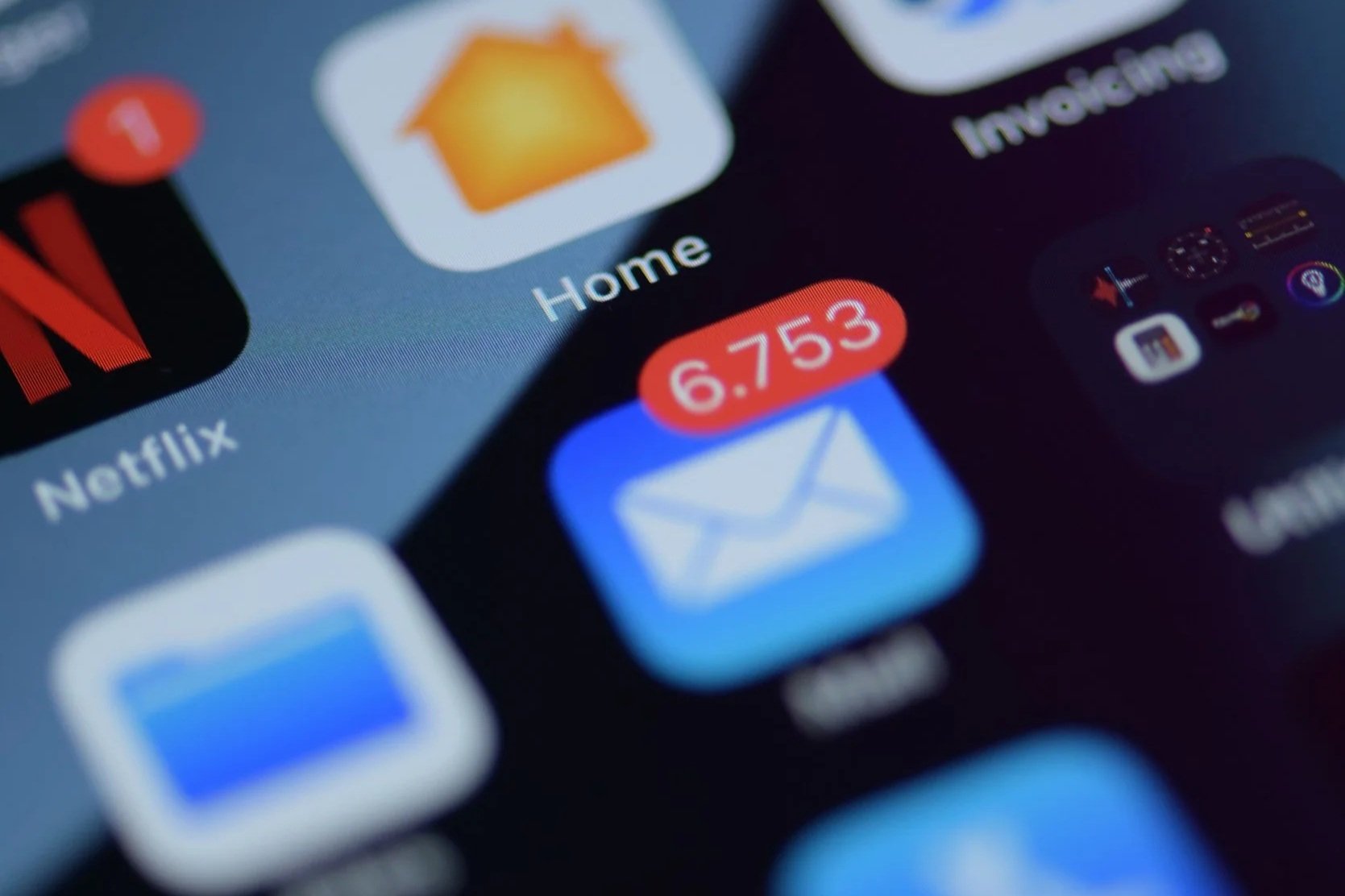
“What’s your advice for dealing with an inbox of 50,000??? Other than “good luck”!!”
A friend sent me this text recently. My top-of-the-head response to her was “send me your password and let me deal with it.” Then I offered her another option that I’m going to lay out for you as well.
It happens. Emails flood your inbox and sometimes there just isn’t enough time to get caught up. You subscribe to something because you want the free printable or meal plan or to enter their contest and then you get 3 emails a week from them… and all the other subscriptions that mean nothing to you. You see that a package is coming and want to be sure you keep an eye out for it. Then it comes and you get another email saying as much. Then you have two emails in your inbox that sit there… you have two pieces of trash cluttering up your inbox. Your important emails go unnoticed, meeting are missed, and then all of a sudden you can’t even download your emails. And then you are pressured into paying for storage.
Please don’t pay for more storage! That is like paying for a storage unit to hold all your junk mail. It’s trash, don’t pay to store it.
Instead, do some work to throw that junk email (or no longer needed email) away. Here are some generic steps that will help you. There are so many videos out there to help you with your specific email provider inbox. That may just be your best friend with this electronic clean out.
1. Delete - Do a search of whatever email sender you want to delete, then select all and “delete.” One word of caution here - sometimes there are still “keep” emails in these searches so be sure to look over the list before hitting “delete.” Certainly you can delete one at a time as well.
2. Unsubscribe - This is the “do it now to save tons of time later” tip. If you don’t get a good return from reading the emails that are subscriptions, you may choose to unsubscribe from them. Most sites make it pretty easy but it does take time. If you use Gmail, there may be an “unsubscribe” button on the main page. Otherwise, scroll to the bottom of the email to find the “unsubscribe” there. Note that some companies have weeks before they actually unsubscribe you.
3. Make folders and filters - This is if you want a zero-inbox but still want to keep up with some emails. This is not for everyone. Hint: in most emails you can archive something and just search by a keyword, eliminating the real need for folders and filters if that is how you will access those emails.
4. Set a time to go through emails weekly/monthly - Digital or paper, it needs to be gone through. If you set a time and do it then it will become less and less that you have to go through. Unless, of course, you go on a spree of giving out your email address.
What other tips do you have for staying on top of your emails?